

View Requests
Overview
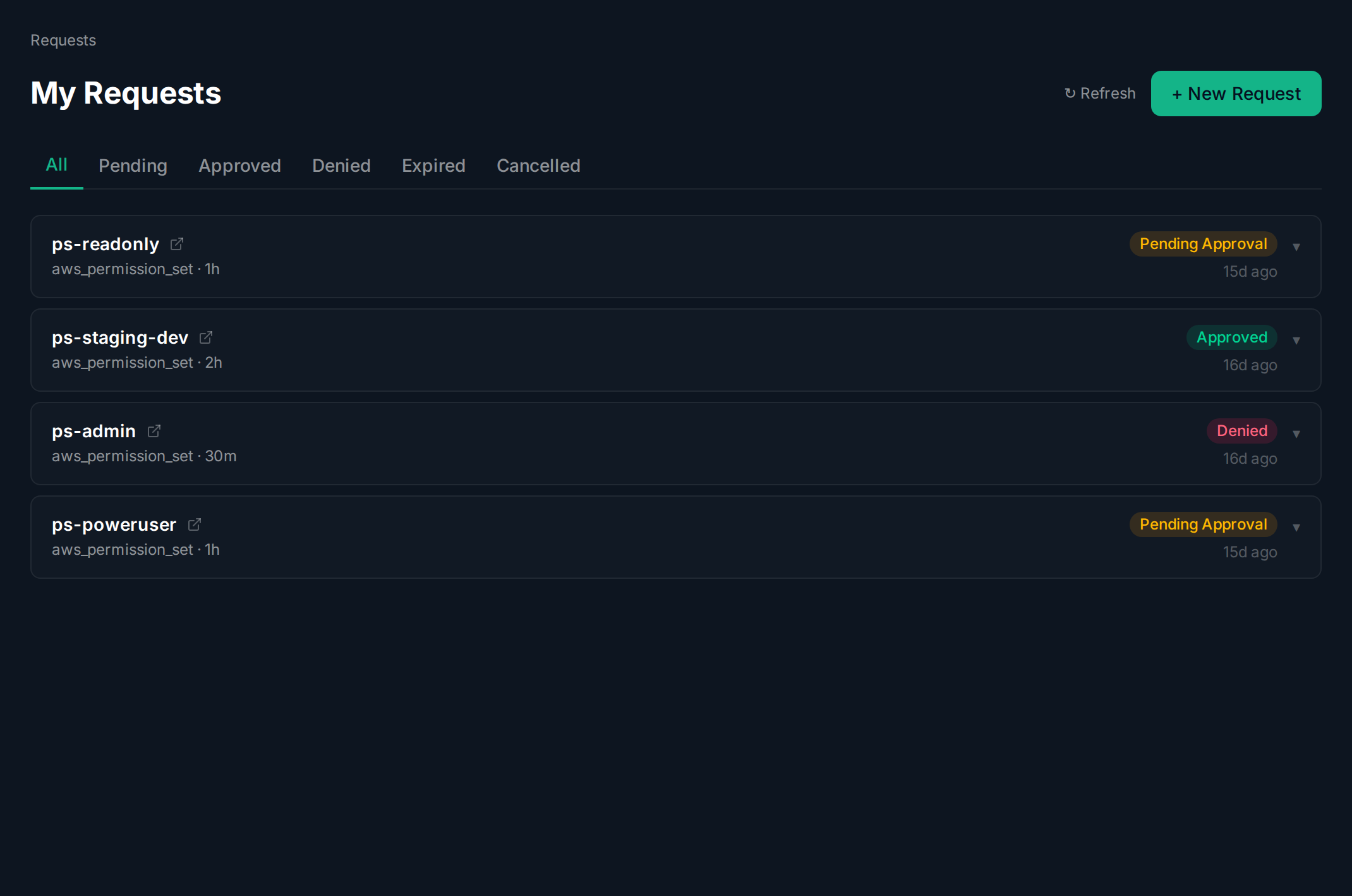
Section titled “Overview”The Requests page shows all your submitted access requests with their current status.
Requests List
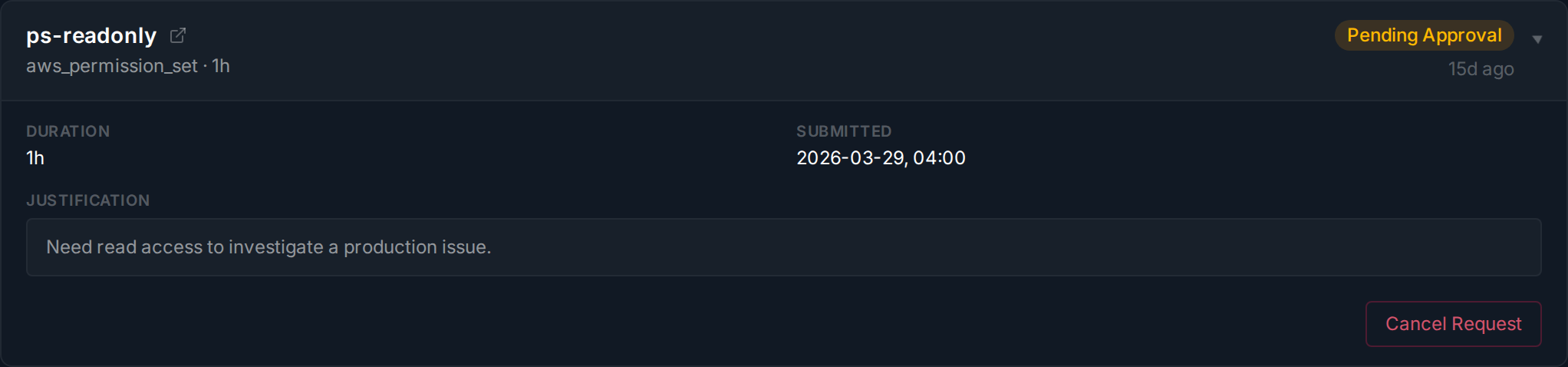
Section titled “Requests List”Click Requests in the sidebar. Filter by status using the tabs: All, Pending, Approved, Denied, Expired, or Cancelled. Click the expand arrow on any card to see full details, justification, and approver notes.
The expanded view shows duration, ticket number, submission time, justification, approver notes, and who made the decision.
Related guides: