

Custom Roles
Overview
Section titled “Overview”Custom roles extend the built-in User, Approver, and Admin roles with fine-grained permissions scoped to specific resources and actions. Roles can be assigned directly to users or to groups.
Browsing Roles
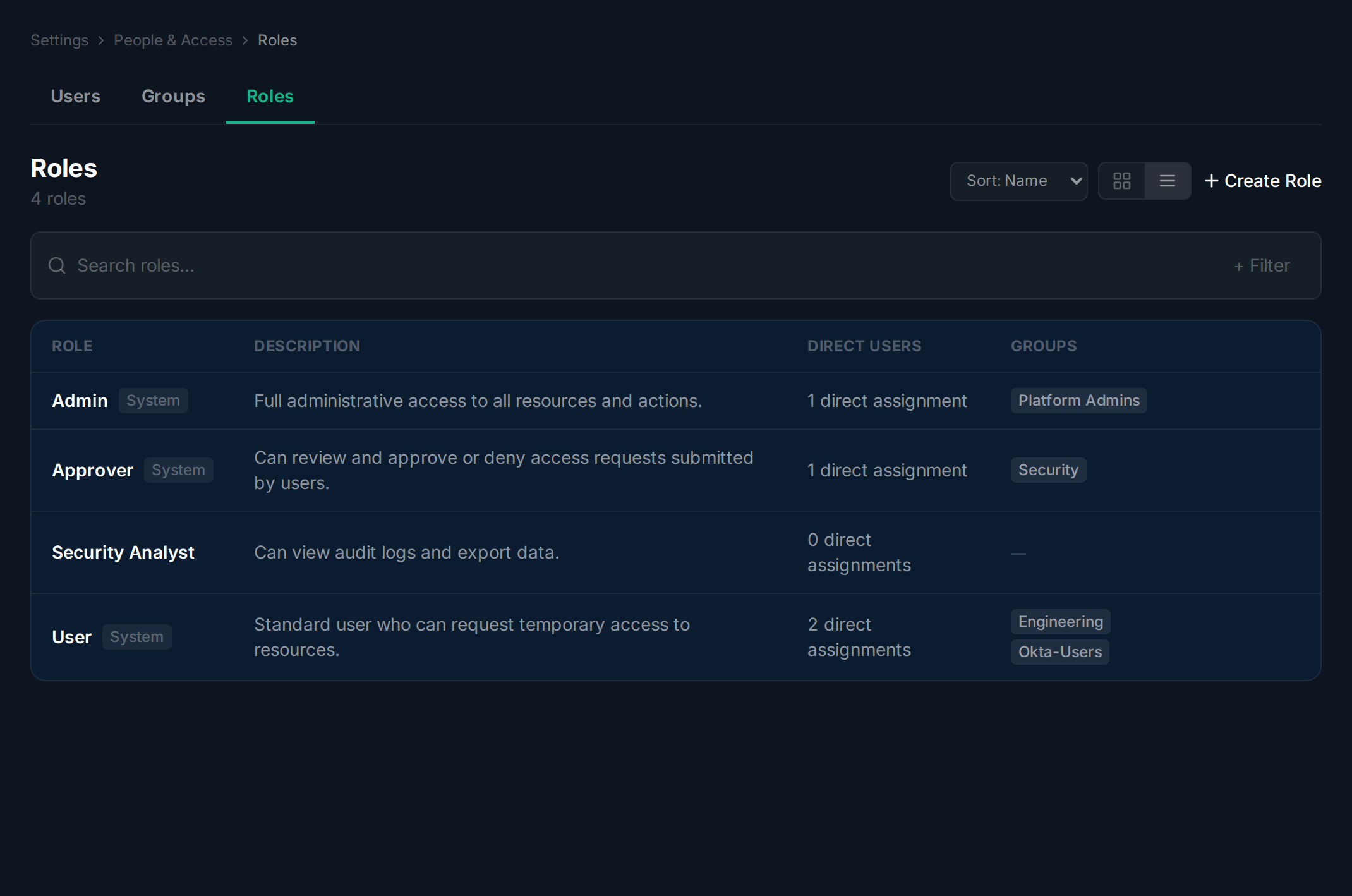
Section titled “Browsing Roles”Navigate to Settings > People & Access and click the Roles tab. Each role shows its description, the number of direct users, and the number of groups it is assigned to.
Creating a Role
Section titled “Creating a Role”Navigate to the Roles tab.
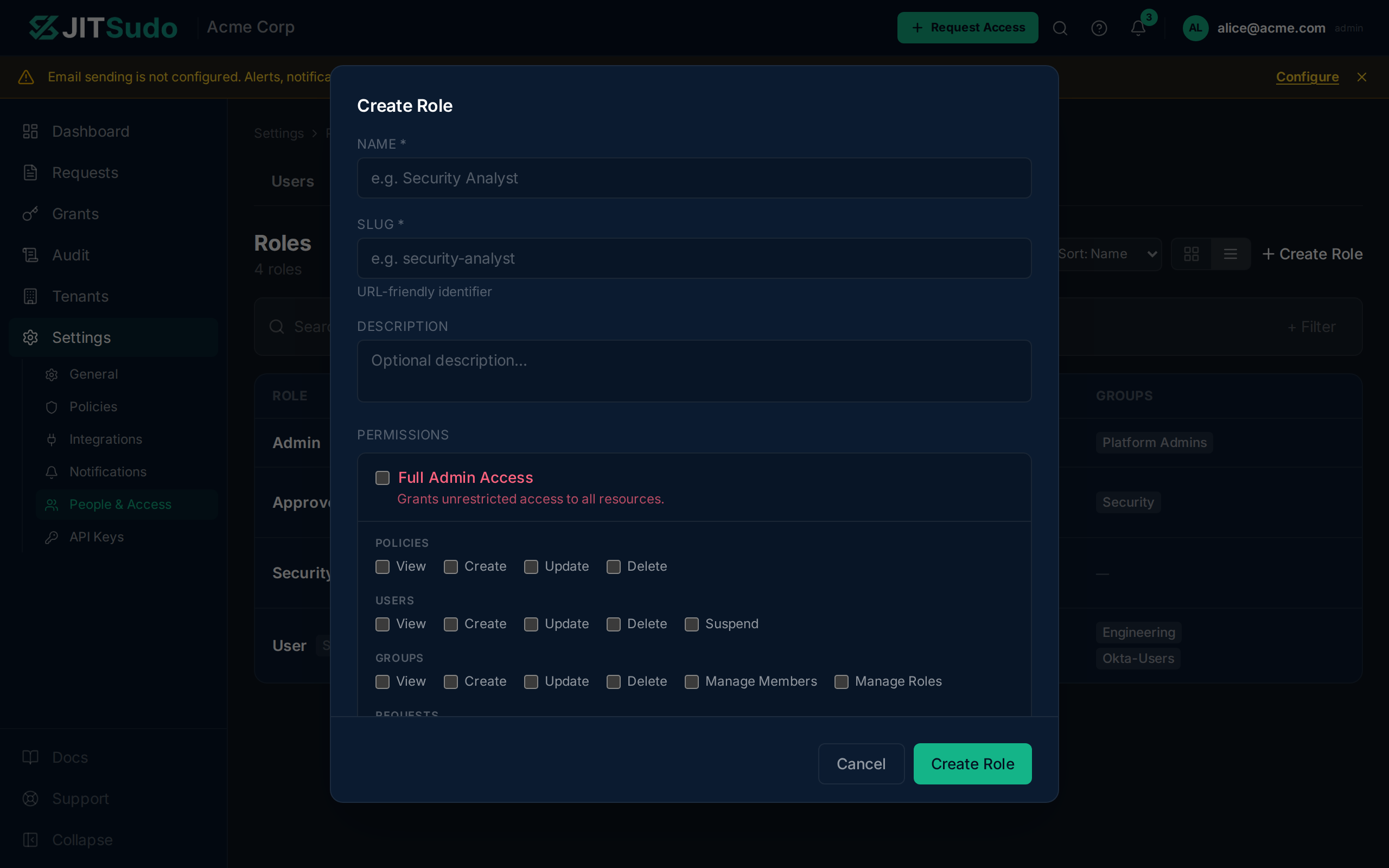
Click Create Role to open the creation dialog. Enter a
name, slug, and description, then select the permission scopes
this role should grant. Scopes follow a resource:action
pattern (e.g., requests:approve, grants:revoke).
Viewing Role Details
Section titled “Viewing Role Details”Navigate to the Roles tab.
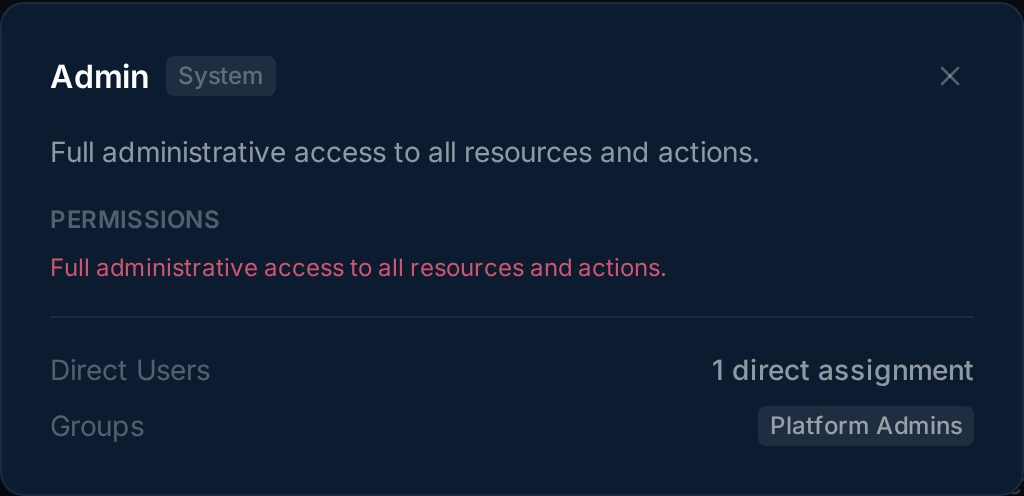
Click a role to view its detail modal. The modal shows the full list of granted permissions and summary stats for users and groups that hold this role.
Editing and Deleting Roles
Section titled “Editing and Deleting Roles”Navigate to the Roles tab.
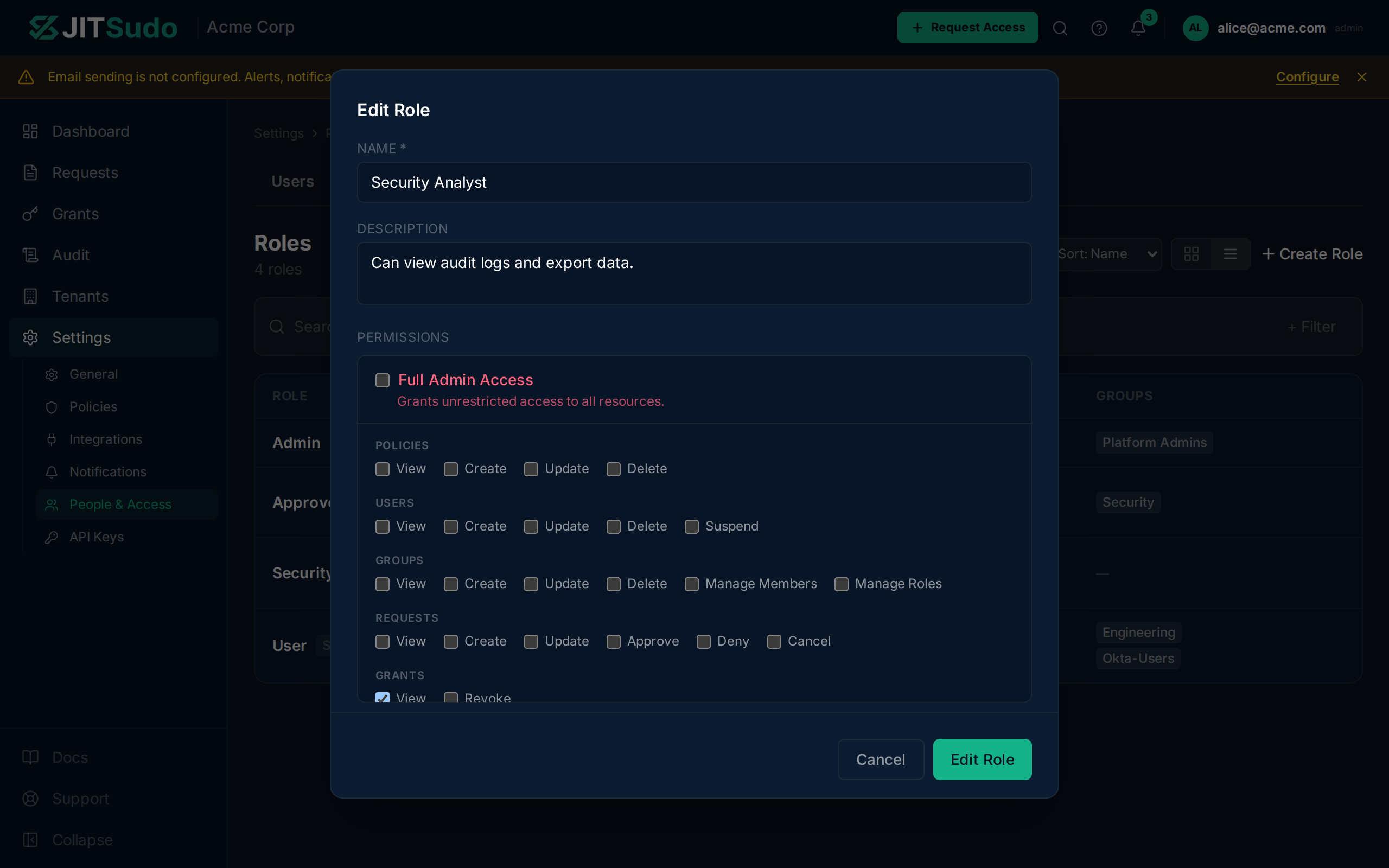
Click the edit icon on a role row to modify its name, description, or permission scopes. To delete a role, click the delete icon and confirm in the dialog.
Related
Section titled “Related”Related guides: