
Preferences
Overview
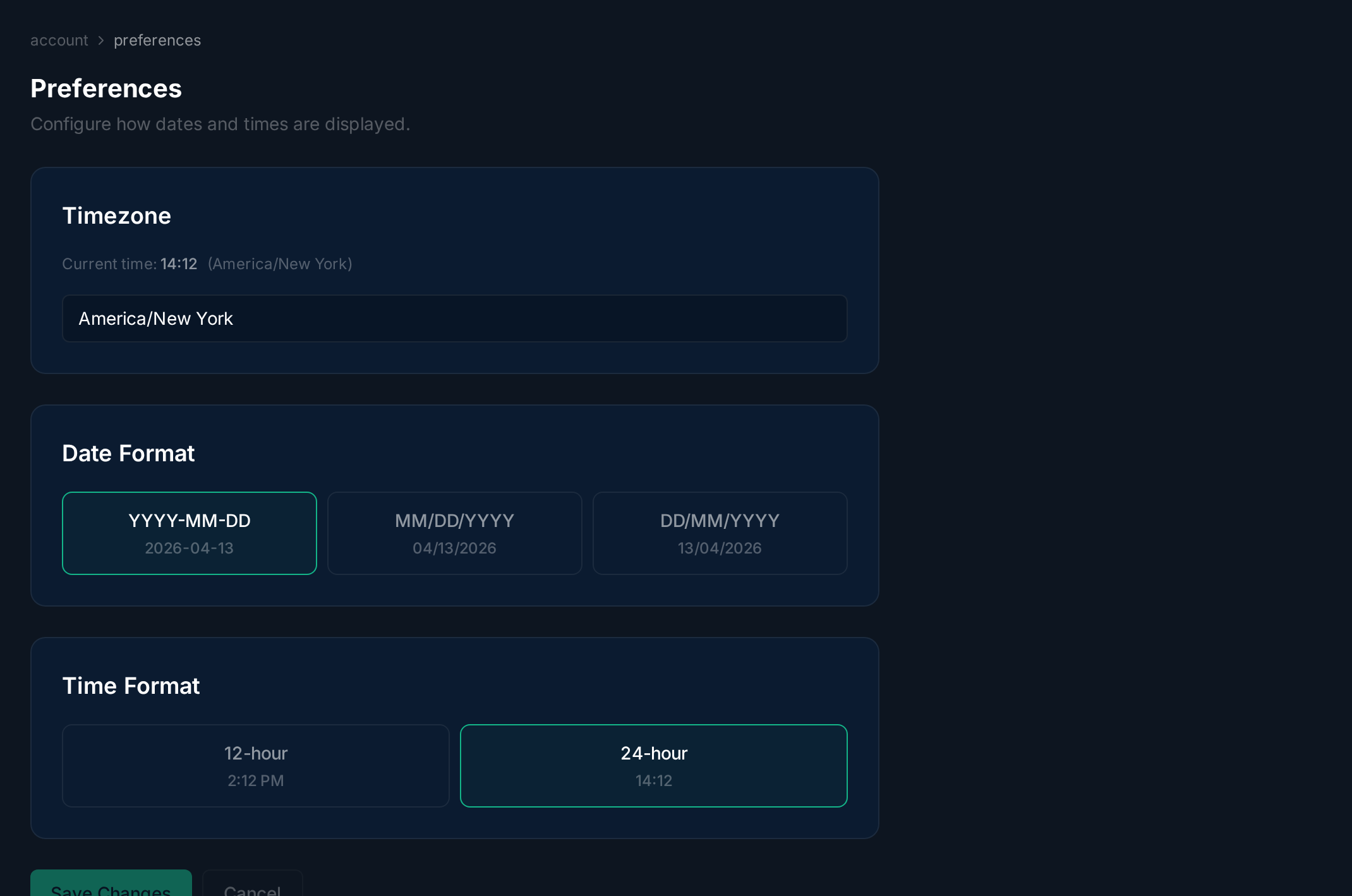
Section titled “Overview”Preferences control how dates and times are displayed throughout JITSudo. Changes apply immediately to all pages.
Setting Preferences
Section titled “Setting Preferences”Select your timezone from the searchable dropdown, choose a date format (YYYY-MM-DD, MM/DD/YYYY, or DD/MM/YYYY), and toggle between 12-hour and 24-hour time. A live preview shows how dates and times will appear. Click Save Changes to apply.