

API Keys
Overview
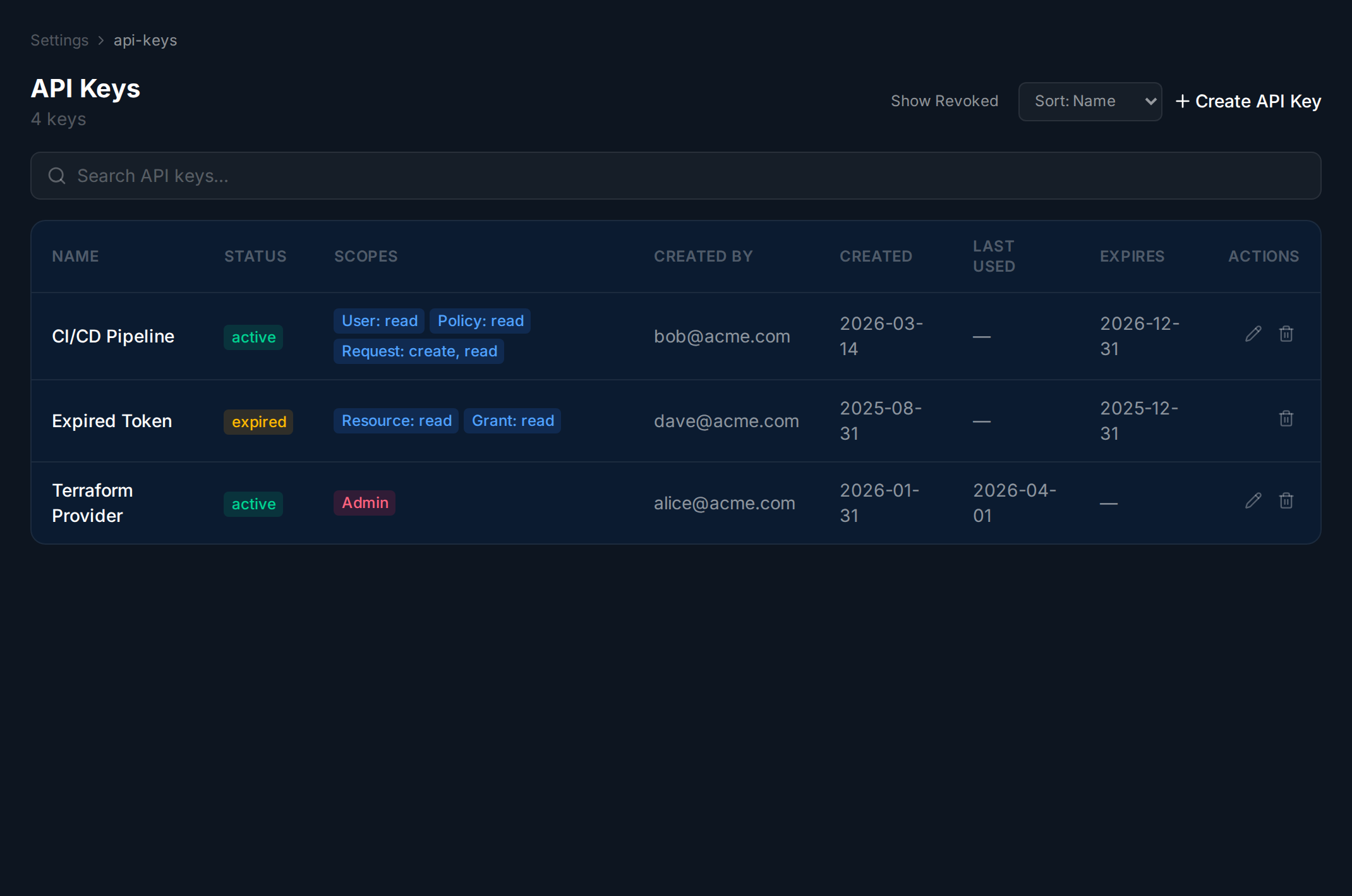
Section titled “Overview”API keys authenticate the Terraform provider, CI/CD pipelines, and other integrations. The raw key is shown only once on creation.
API Keys
Section titled “API Keys”Navigate to Settings → API Keys to see all keys for this tenant. The table shows each key’s name, scopes, creation date, and when it was last used.
Creating a Key
Section titled “Creating a Key”Navigate to the API Keys page.
Wait for the page to load.
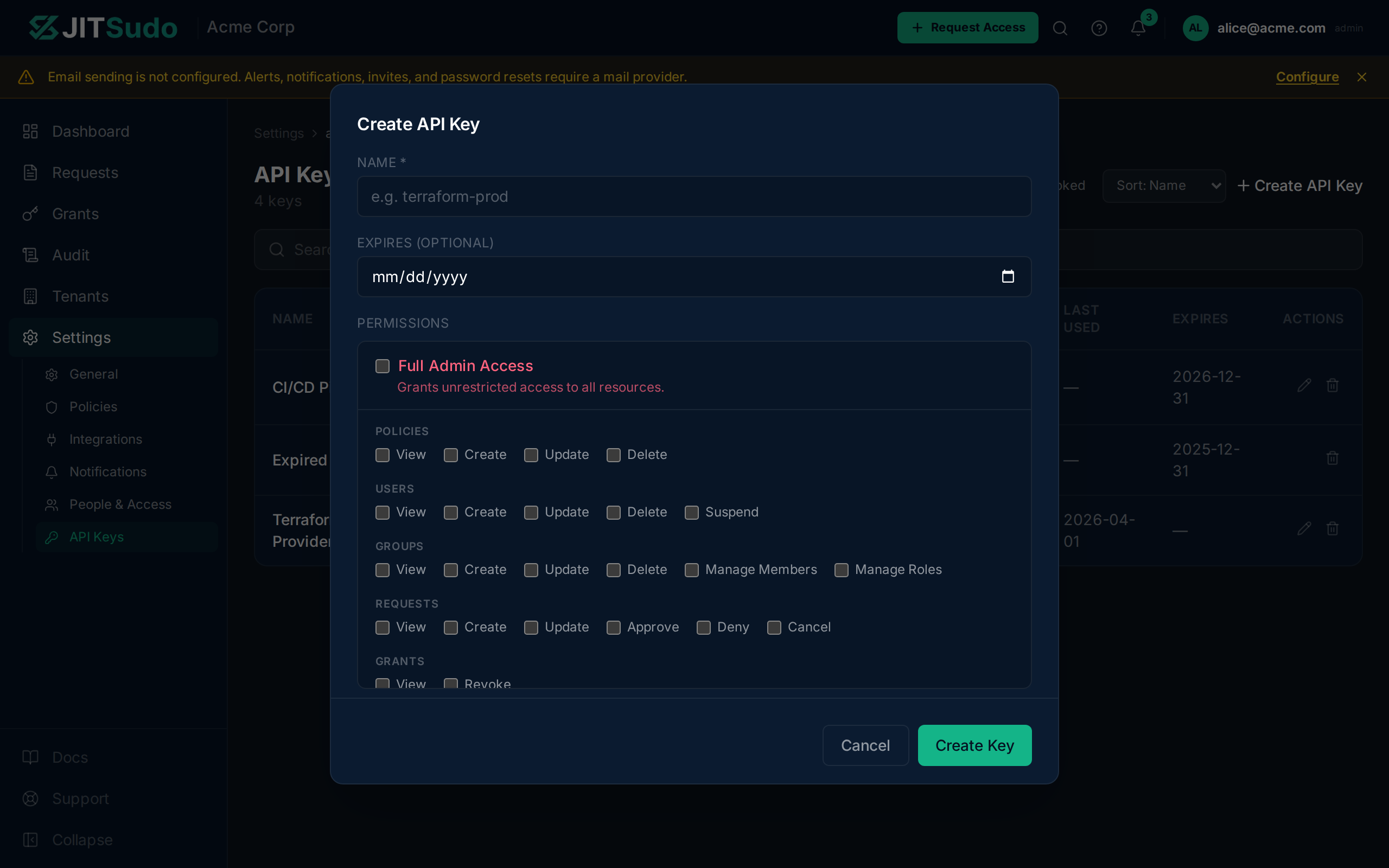
Click Create API Key, enter a name, and optionally set an expiry date. Click Create to generate the key.
Revoking a Key
Section titled “Revoking a Key”Click Revoke next to any key in the table, then confirm in the dialog. The key is permanently deleted and can no longer authenticate. This action cannot be undone.
Related
Section titled “Related”Related guides: