

Approve a Request
Overview
Section titled “Overview”Approving a request immediately provisions the access grant. The requester is notified and can begin using the resource.
Approving
Section titled “Approving”Navigate to Approvals.
Wait for cards to render.
Click Approve on a request card. Optionally add a comment, then click Confirm Approve. The grant is provisioned immediately.
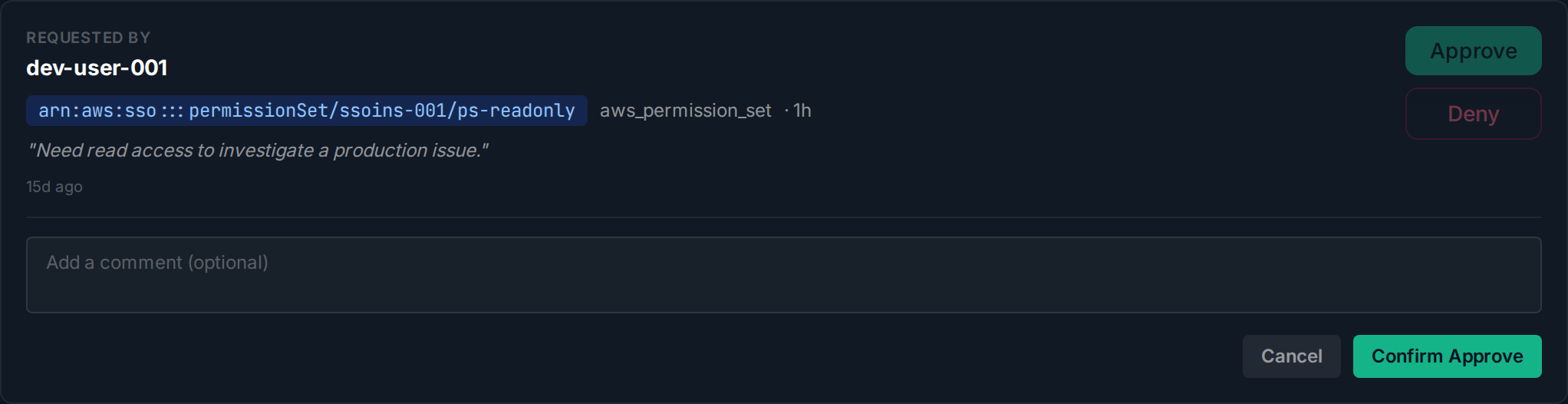
The request moves to Approved status and the requester is notified.