

Security Settings
Overview
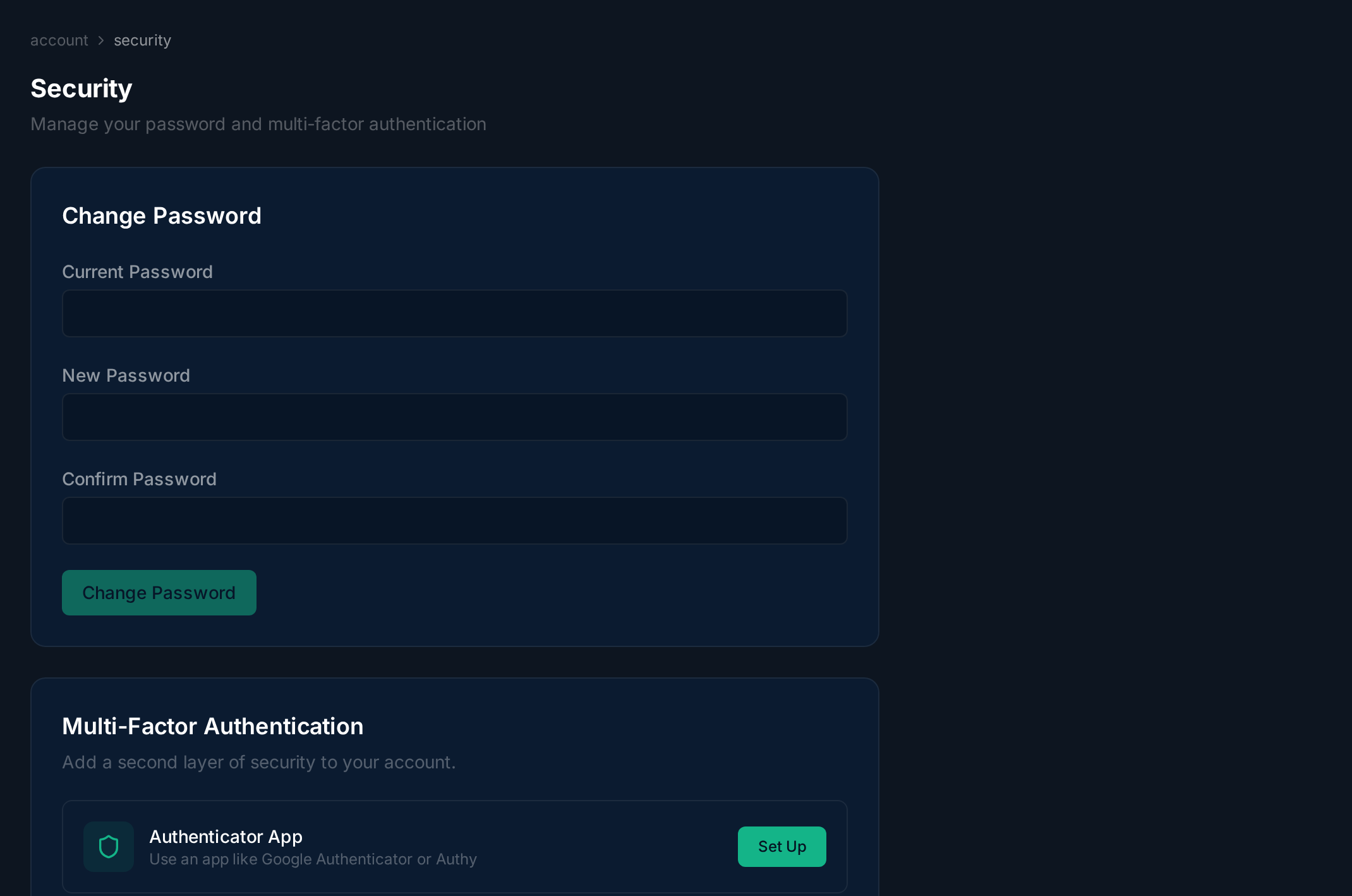
Section titled “Overview”The Security page lets you change your password, enroll in multi-factor authentication (MFA), and manage backup codes.
Enrolling in MFA
Section titled “Enrolling in MFA”Click Set up authenticator to begin MFA enrollment. Scan the QR code with your authenticator app (Google Authenticator, Authy, 1Password, etc.), then enter the 6-digit code to verify.
Related
Section titled “Related”Related guides: