

Active Sessions
Overview
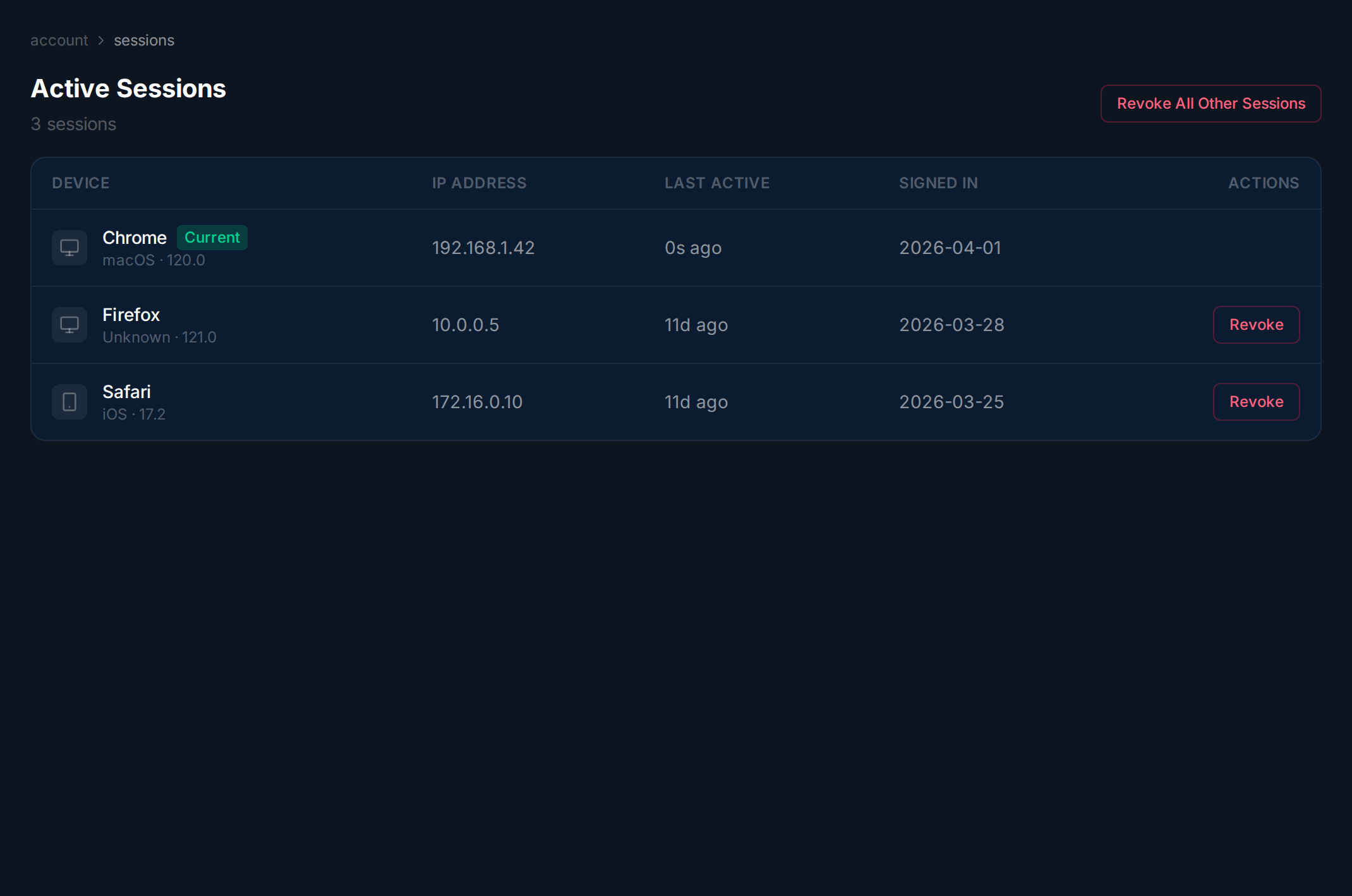
Section titled “Overview”The Active Sessions page shows every device where you’re currently logged in. You can revoke individual sessions or all other sessions to secure your account.
Viewing Sessions
Section titled “Viewing Sessions”Each row shows the browser and OS, IP address, last active time, and sign-in date. Your current session is marked with a green Current badge.
Revoking a Session
Section titled “Revoking a Session”Navigate to Active Sessions.
Wait for sessions to load.
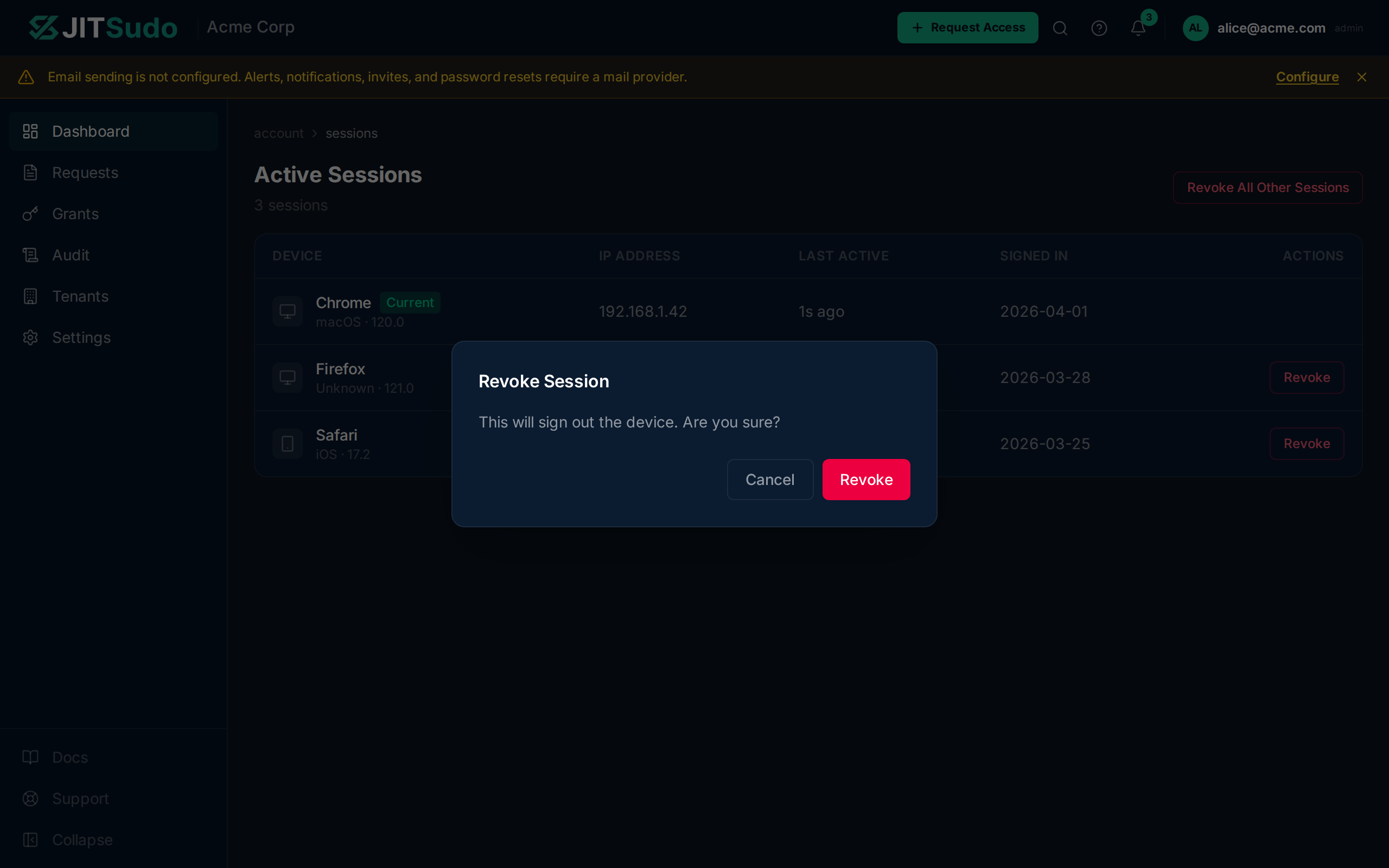
Click Revoke on any non-current session. A confirmation dialog appears — click Revoke Session to immediately end that session. The revoked device will be logged out on its next request.
Related
Section titled “Related”Related guides: