

Browse Resources
Overview
Section titled “Overview”The resource browser shows all cloud resources you can request access to, organized by type.
Finding Resources
Section titled “Finding Resources”Go to Requests → New Request. The left panel shows resources grouped by type. Click a group to expand it, then select a resource to see its permission sets on the right.
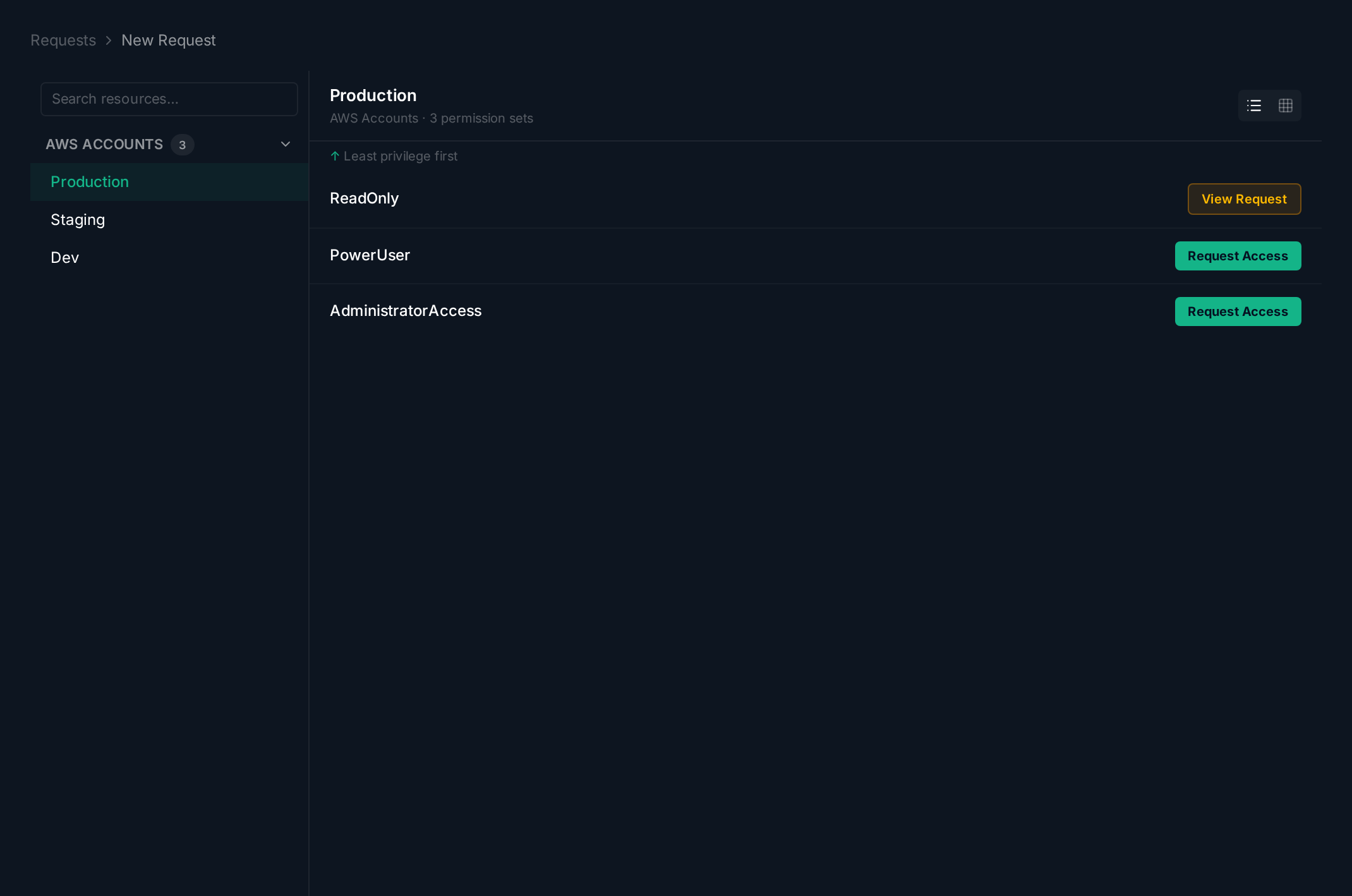
Each permission set shows its access level. Click Request Access to start a request, or see View Grant / View Request if you already have access.
Related guides: