
Deny a Request
Overview
Section titled “Overview”Denying a request requires a reason so the requester understands what to change for future requests.
Denying
Section titled “Denying”Navigate to Approvals.
Wait for cards to render.
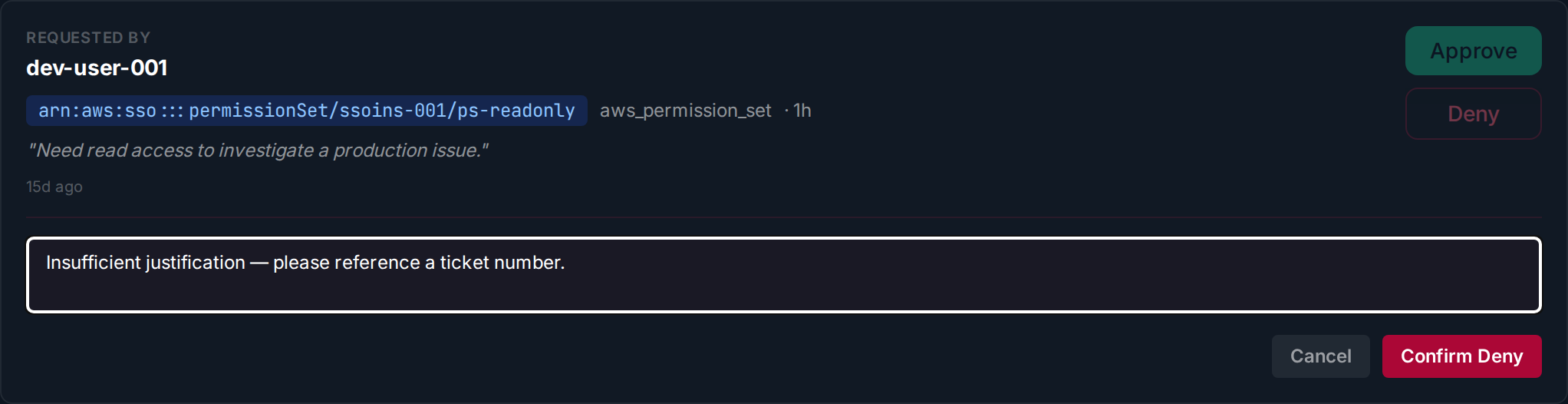
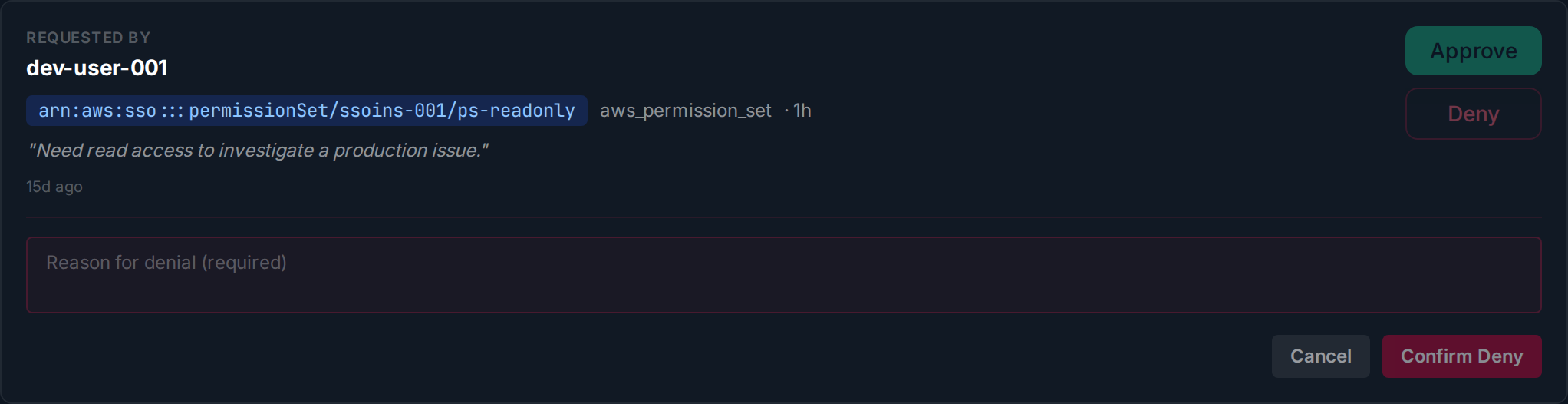
Click Deny on a request card. Enter a reason — this field is required. The Confirm Deny button enables once you provide a reason.
Click Confirm Deny. The requester is notified with your reason.