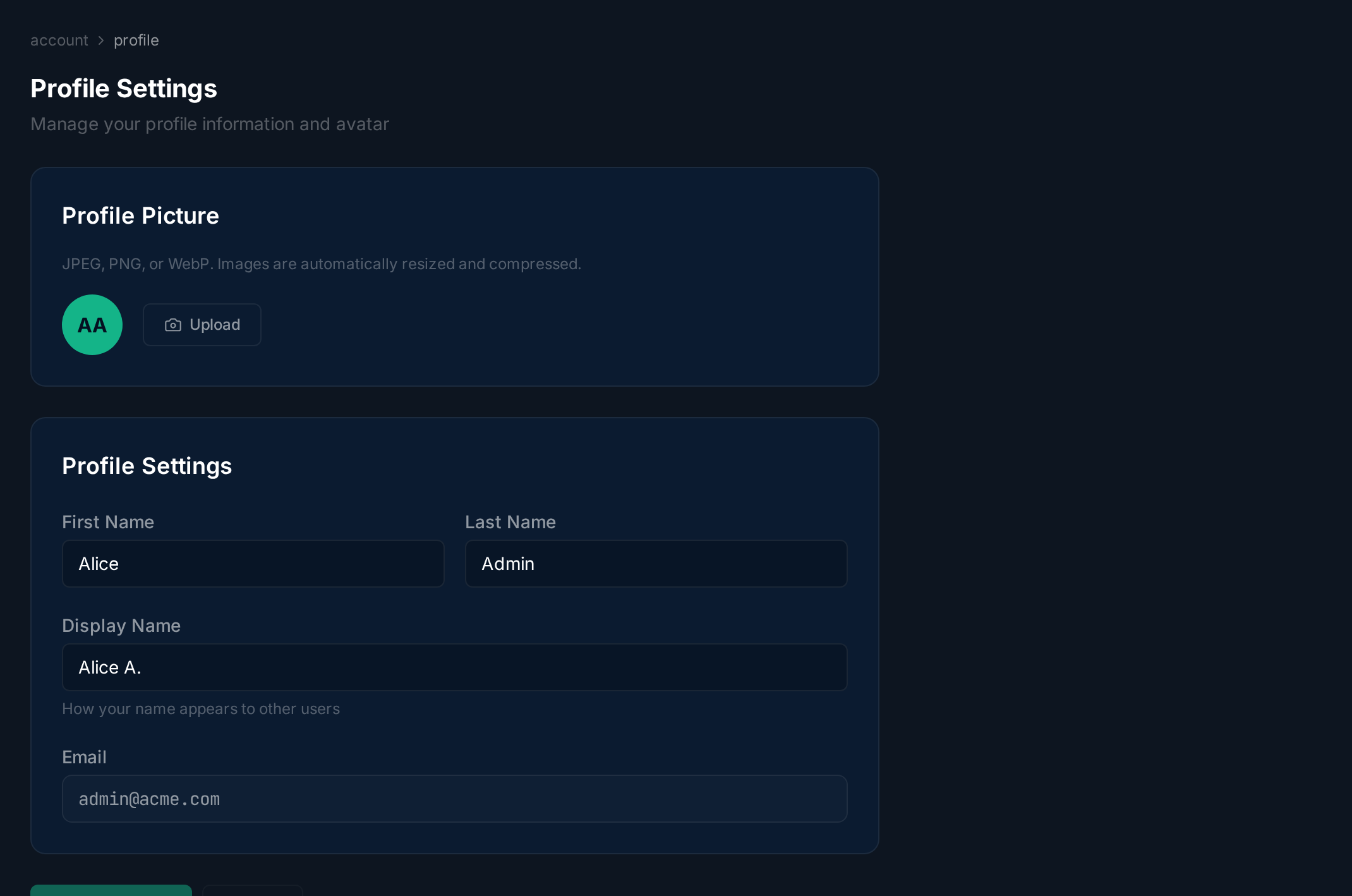

Profile Settings
Overview
Section titled “Overview”Your profile controls how you appear to other users in JITSudo — in approval queues, audit logs, and grant history.
Updating Your Profile
Section titled “Updating Your Profile”Upload a profile photo by clicking the avatar area, or fill in your first name, last name, and display name. Email is read-only. Click Save Changes to apply.