
General Settings
Overview
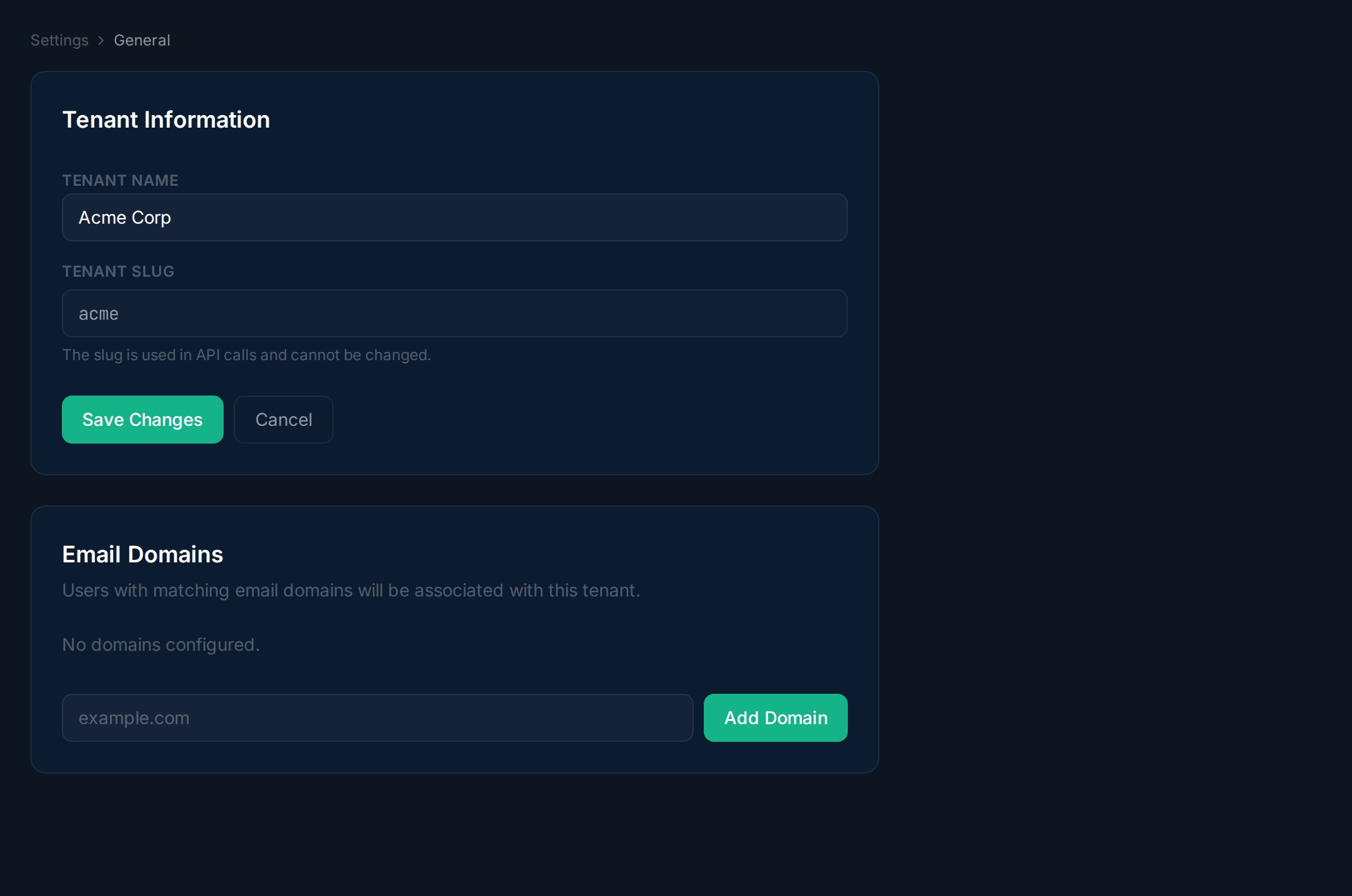
Section titled “Overview”General settings let you update your tenant name and manage the email domains used for login routing.
Tenant Information
Section titled “Tenant Information”Navigate to Settings → General. Update the Tenant Name (your organization’s display name) and view the Tenant Slug (used in API calls, not editable).
Email Domains
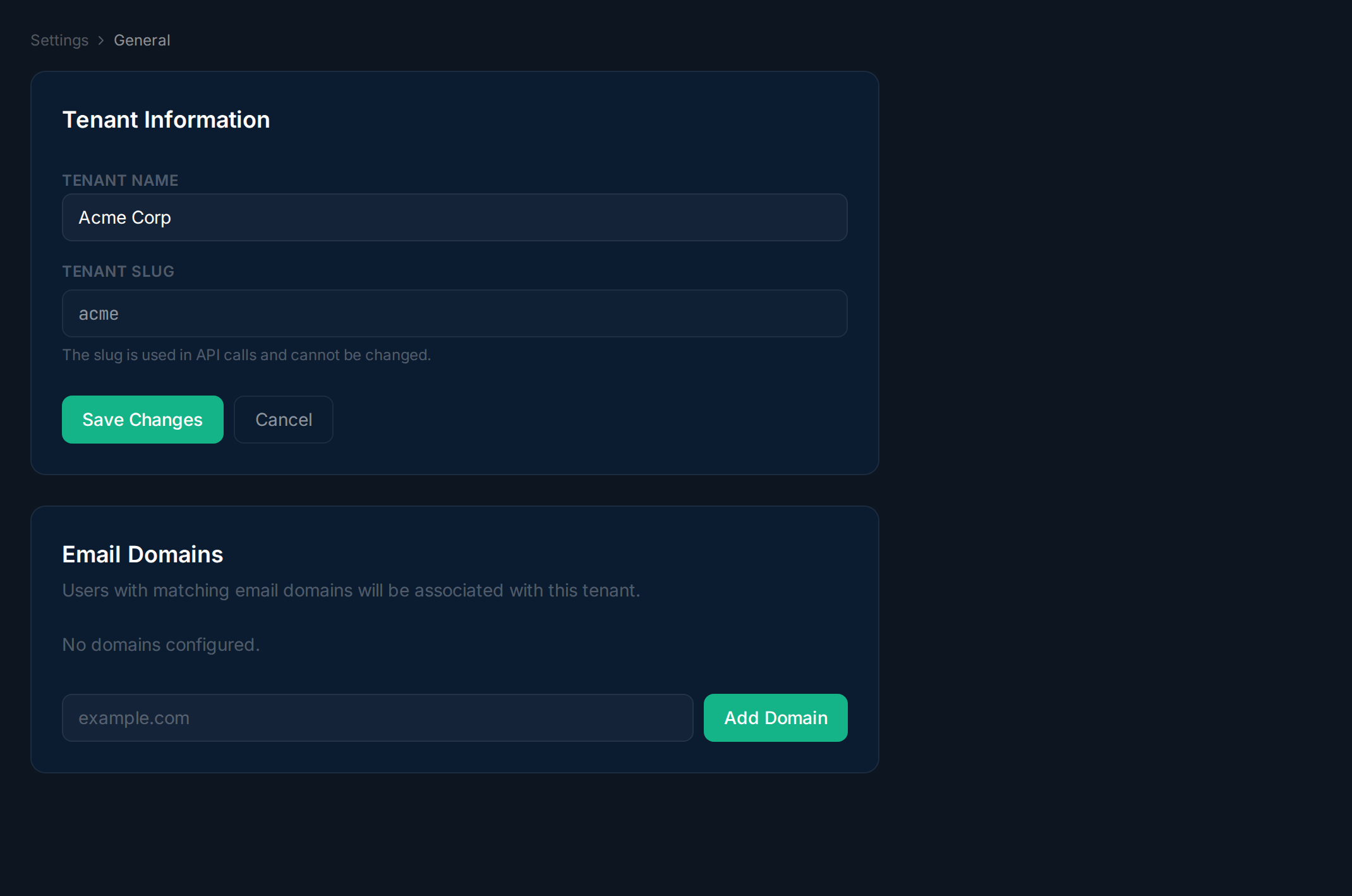
Section titled “Email Domains”In the Email Domains section, manage the domains associated with your tenant. Users with matching email domains are automatically routed to your tenant during login. Click Add Domain to add one, or x to remove.