

Notification Preferences
Overview
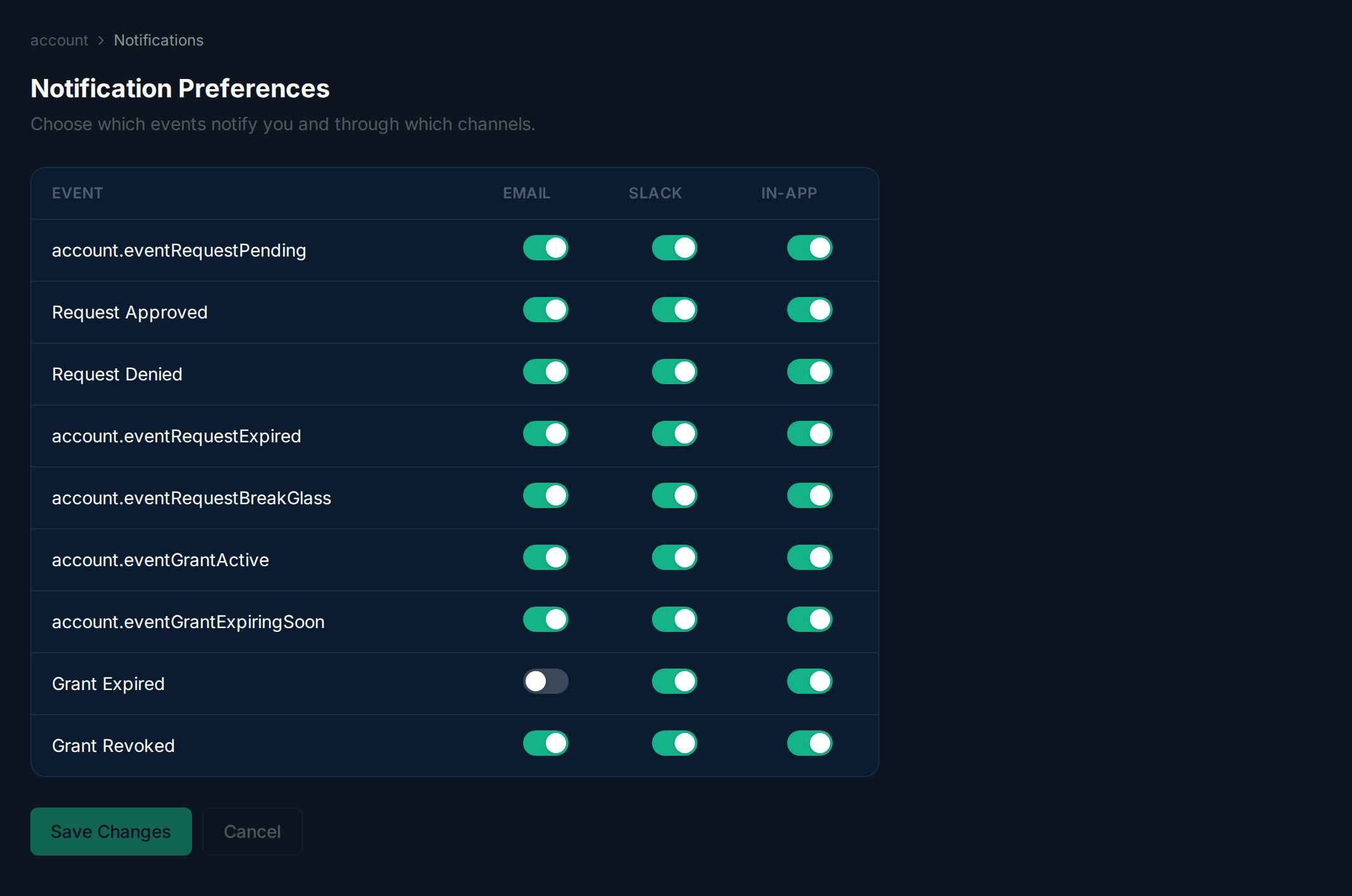
Section titled “Overview”Control how you are notified about access request and grant events. Each event type can be independently toggled for email, Slack, and in-app channels.
Managing Preferences
Section titled “Managing Preferences”Navigate to Account > Notifications. The table shows one row per event type (e.g., Request Pending, Grant Expired) with toggle switches for Email, Slack, and In-App. Flip the toggles to match your preferences, then click Save Changes.
Related
Section titled “Related”Related guides: