

Groups
Overview
Section titled “Overview”Groups let you organise users and assign roles collectively. Changes to group role mappings apply to every member instantly via Cedar policy evaluation.
Browsing Groups
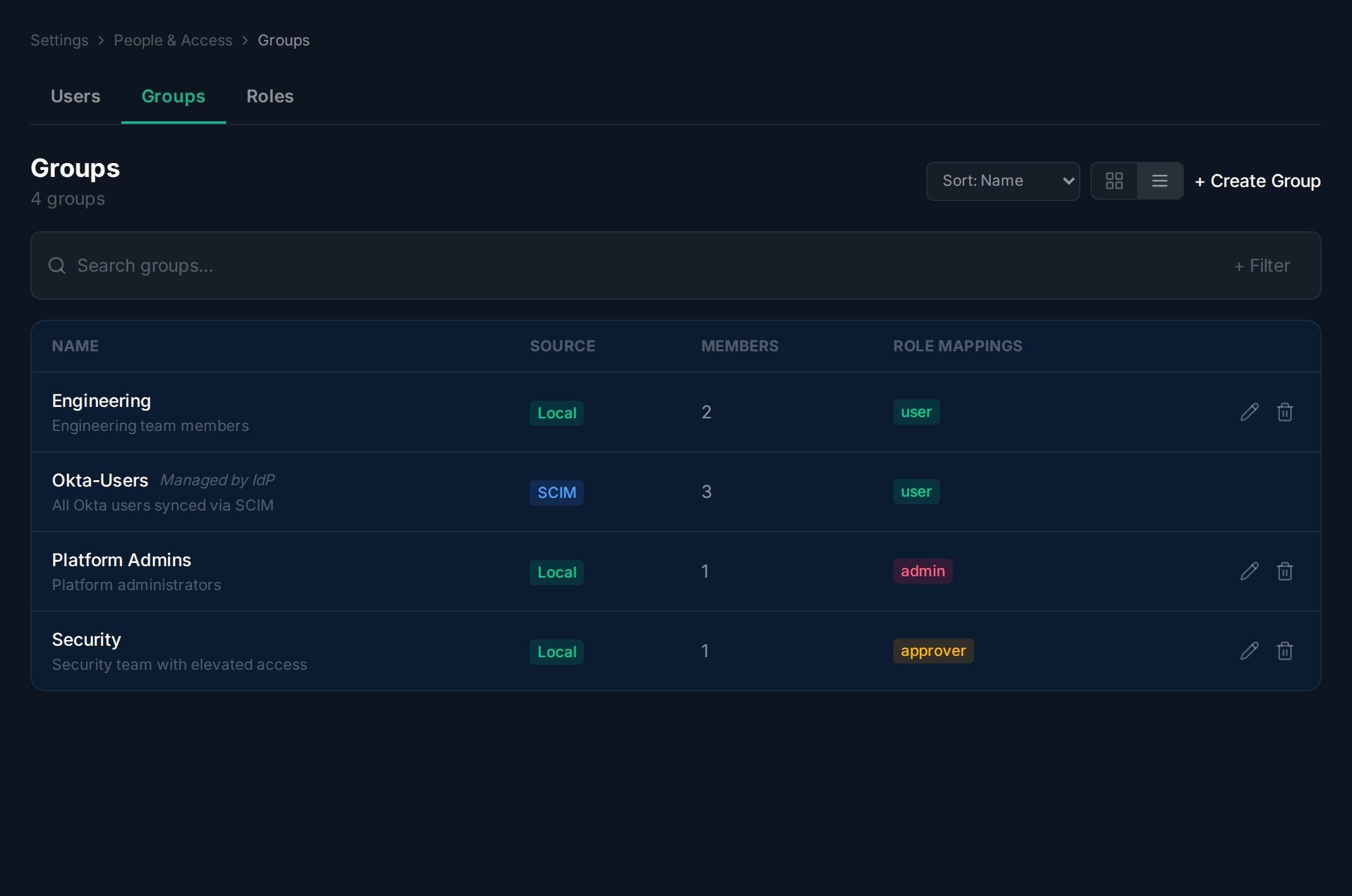
Section titled “Browsing Groups”Navigate to Settings > People & Access and click the Groups tab. Use the search bar, sort dropdown, and card/list toggle to find the group you need.
Creating a Group
Section titled “Creating a Group”Navigate to the Groups tab.
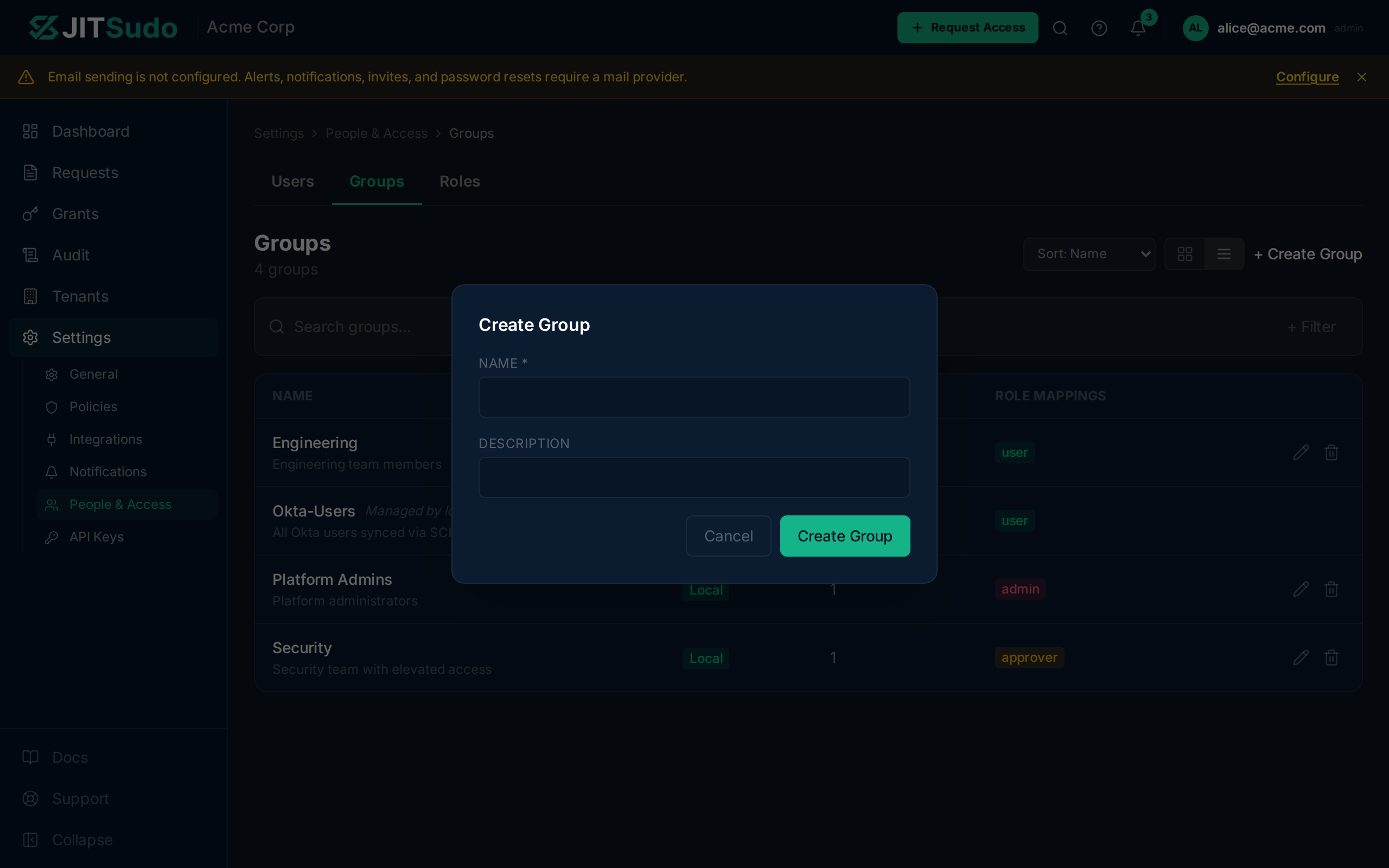
Click Create Group to open the creation dialog. Enter a name and optional description, then save.
Managing Members and Roles
Section titled “Managing Members and Roles”Navigate to the Groups tab.
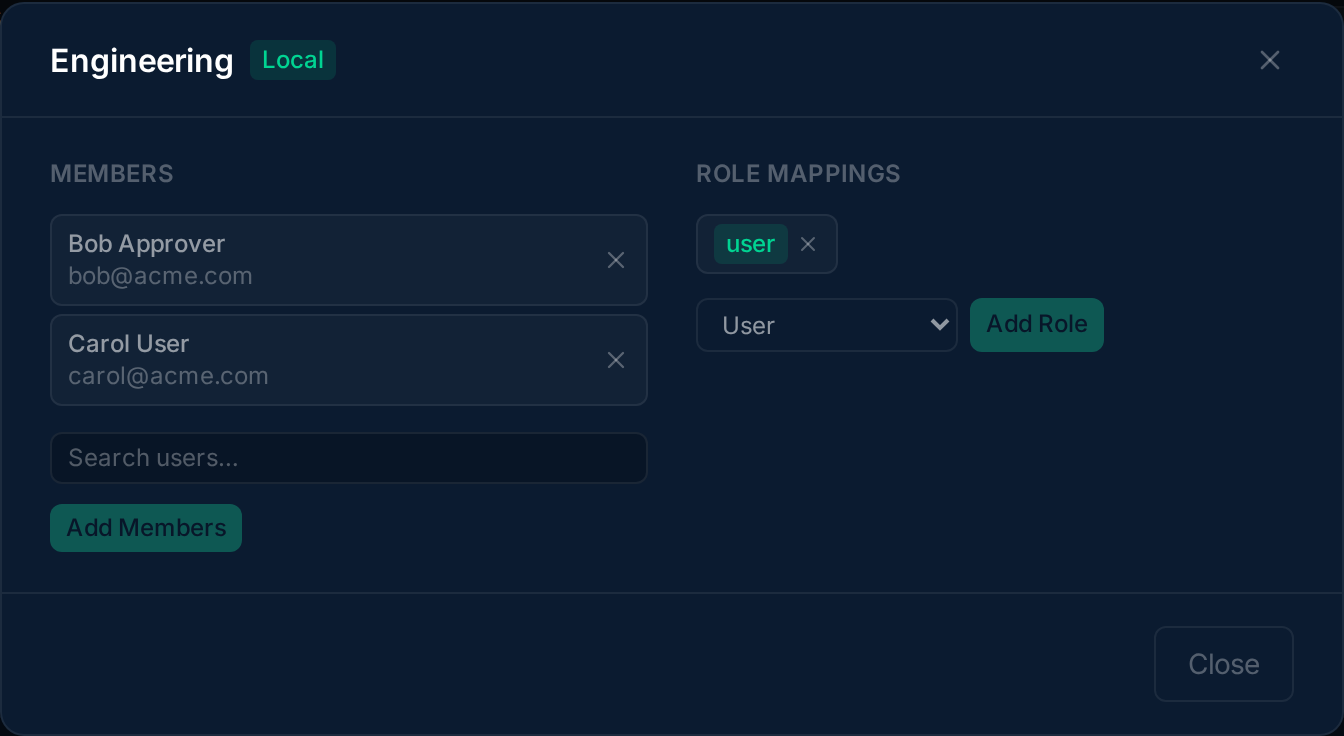
Click the edit icon on a group row to open its detail view. The two-column layout shows Members on the left and Role Mappings on the right. Use the add/remove buttons to manage each list.
Related
Section titled “Related”Related guides: