

Manage Tenants
Overview
Section titled “Overview”In multi-tenant mode, the master tenant can create and manage child tenants. Each tenant is an independent organization with its own users, policies, and AWS configuration. This page is only visible to master tenant admins.
Tenant List
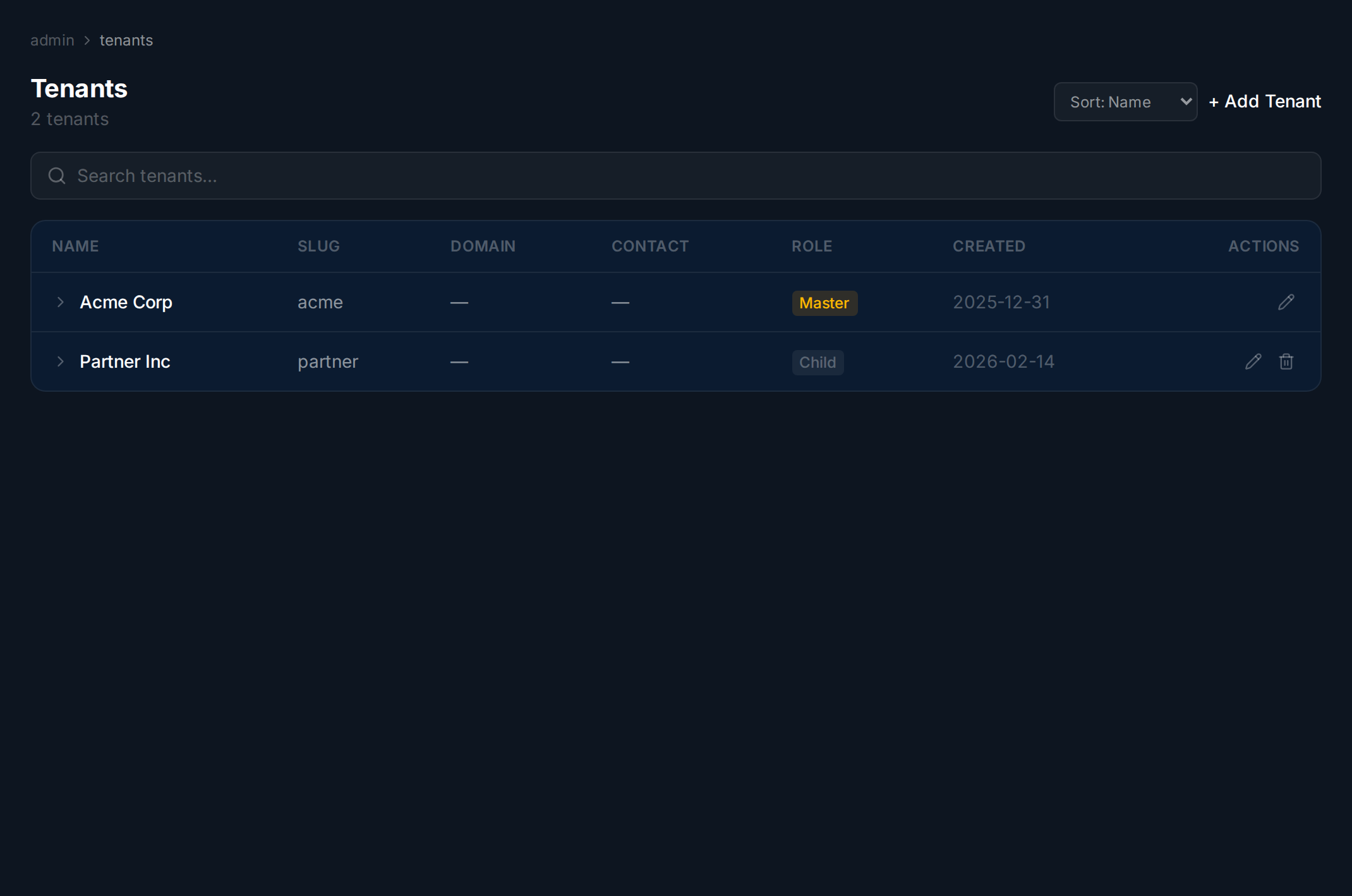
Section titled “Tenant List”Navigate to Tenants in the sidebar. The table shows all tenants with their name, slug, role (Master or Child), and creation date. The master tenant cannot be deleted.
Creating a Tenant
Section titled “Creating a Tenant”Click Add Tenant, enter a name and slug, then click Create. The slug is auto-generated from the name but can be edited.
Viewing Tenant Details
Section titled “Viewing Tenant Details”Click a tenant row to expand its details. The Settings tab shows the tenant’s configuration (read-only). The Audit Log tab shows recent activity for that tenant.
Deleting a Tenant
Section titled “Deleting a Tenant”Click Delete on a child tenant row and confirm. This permanently removes the tenant and all its data. The master tenant cannot be deleted.