

Audit Log
Overview
Section titled “Overview”Every action is recorded — requests, approvals, denials, grants, revocations, and break-glass usage.
Audit Log
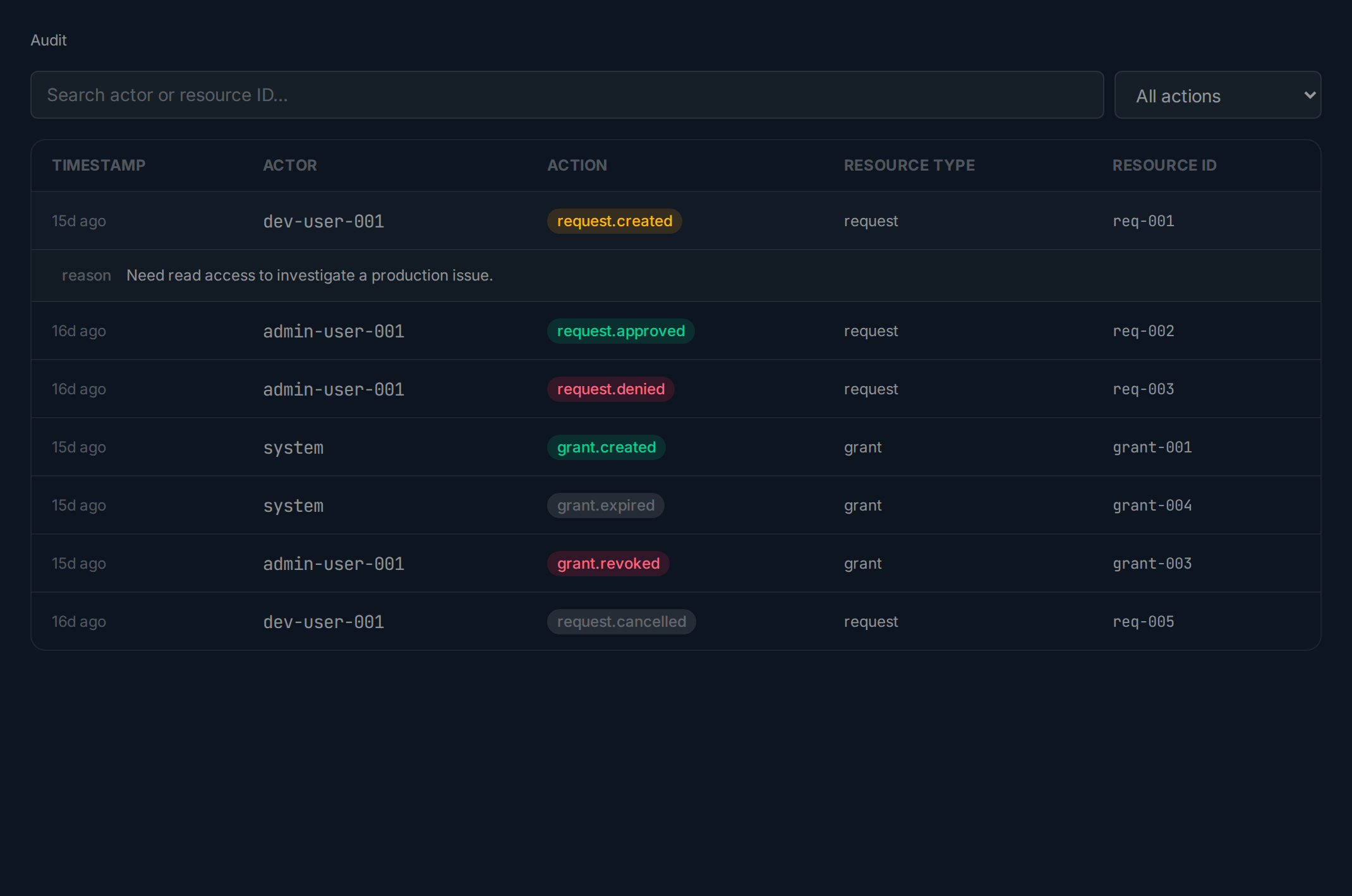
Section titled “Audit Log”Click Audit in the sidebar. Events show a timestamp, actor, color-coded action badge, and resource. Use the search field to filter by actor or resource, or the dropdown to filter by event type.
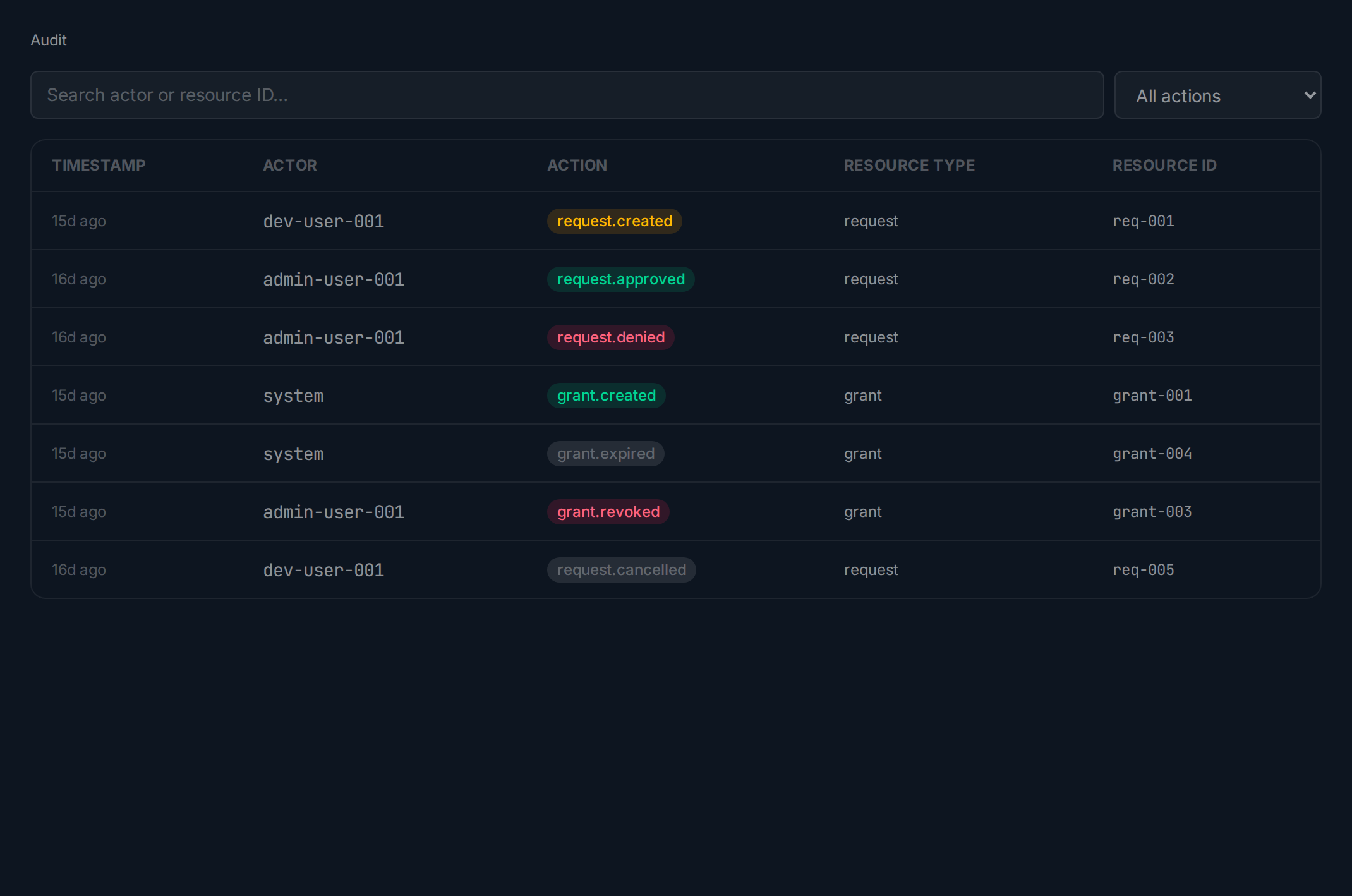
Click any entry to expand it and see the full metadata — request IDs, permission set ARNs, durations, and other context.
Related guides: