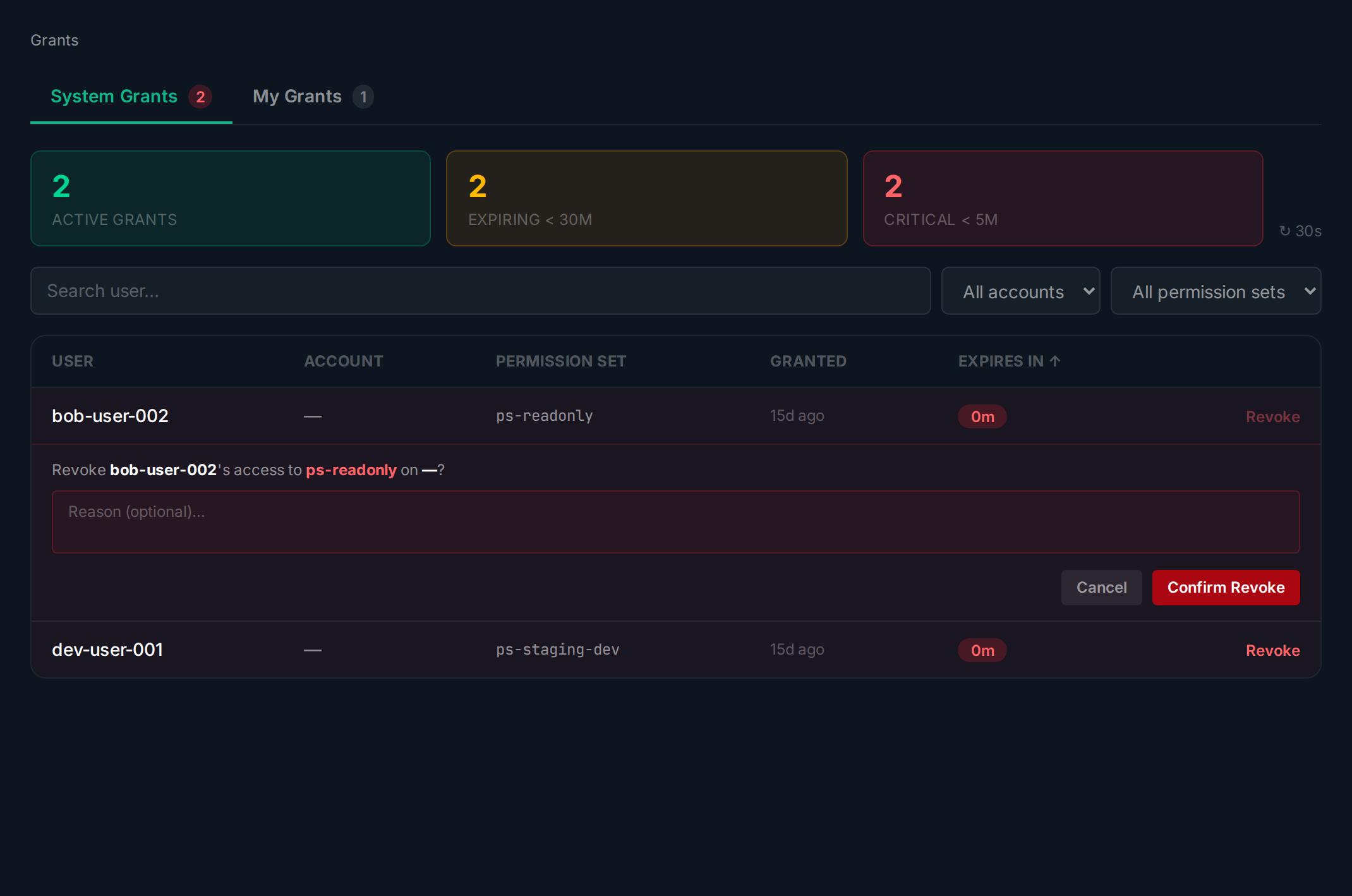

Revoke a Grant
Overview
Section titled “Overview”Revoking a grant immediately removes the cloud access. The revocation is logged in the audit trail.
Revoking
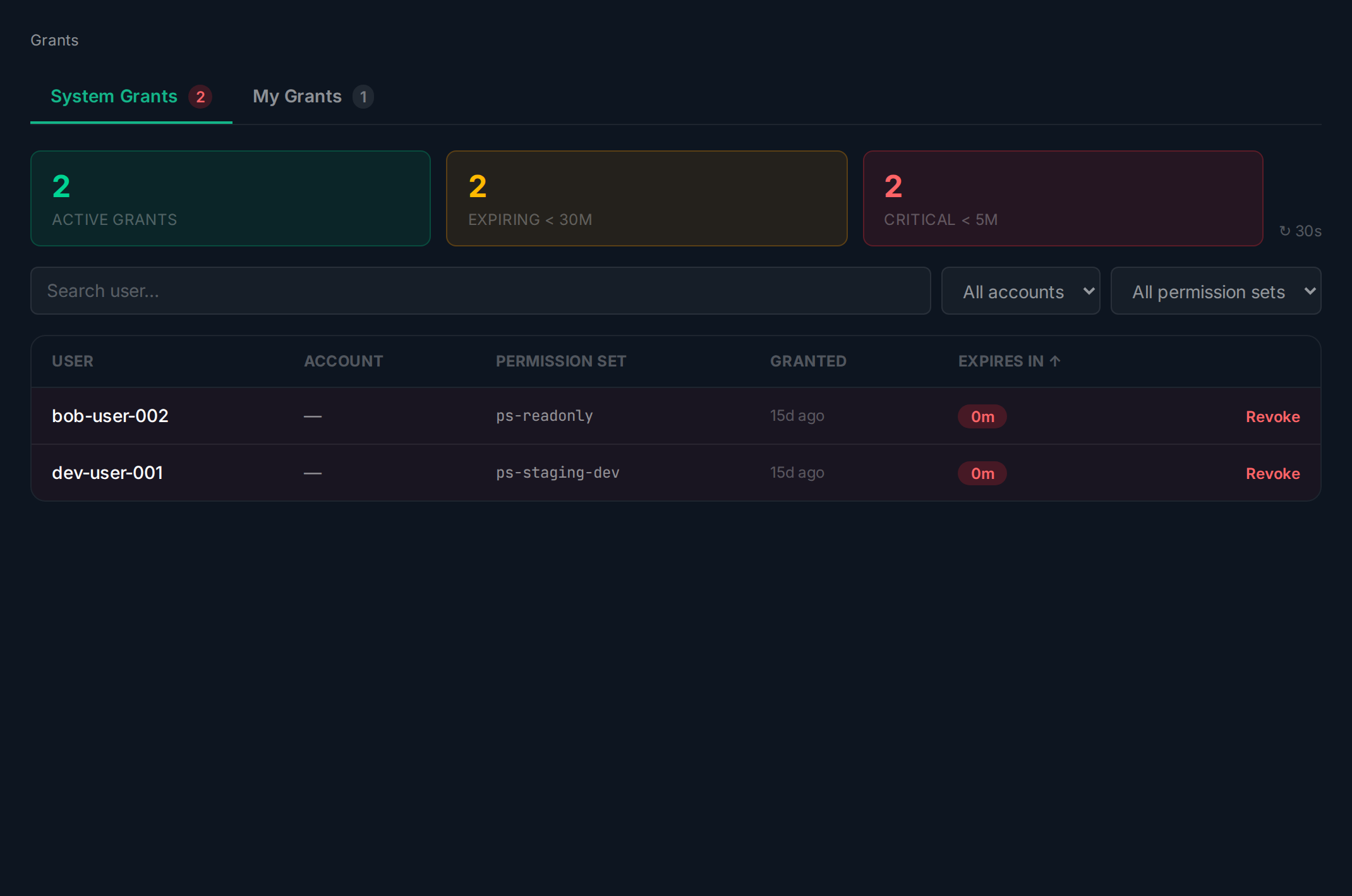
Section titled “Revoking”Find the grant in the System Grants table and click Revoke.
Enter a reason and click Confirm Revoke. The access is removed immediately and the grant status changes to Revoked.